
RegAI Docs › Workspaces and documents
Uploading documents
Uploading documents is a RegAI Pro feature. Uploaded documents are kept in the current workspace, and you can then ask about them.
Supported files
- PDF (scanned files included)
- Word (.docx)
- Plain text (.txt), Markdown (.md)
- Images: PNG, JPG, GIF, WebP, TIFF
Each file can be up to 20 MB. Old .doc files aren't supported; save them as .docx or PDF first. Storage and monthly OCR pages depend on your plan; see Pricing.
Upload
Any of these works:
- + (Attach document) at the bottom left of the question box.
- Upload next to Documents in the sidebar.
- Dragging the file onto the chat.
RegAI then turns the file into text (scans and images by OCR) and indexes it. When it's done, the file shows a green tick (indexed, ready to query). A file uploaded from the question box is added to that question automatically.
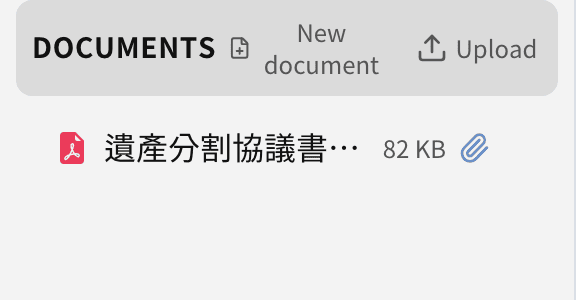
View a document
Click a file's name under Documents to open it: you see the extracted text, and the chats it was used in. Download gives you the original file you uploaded.
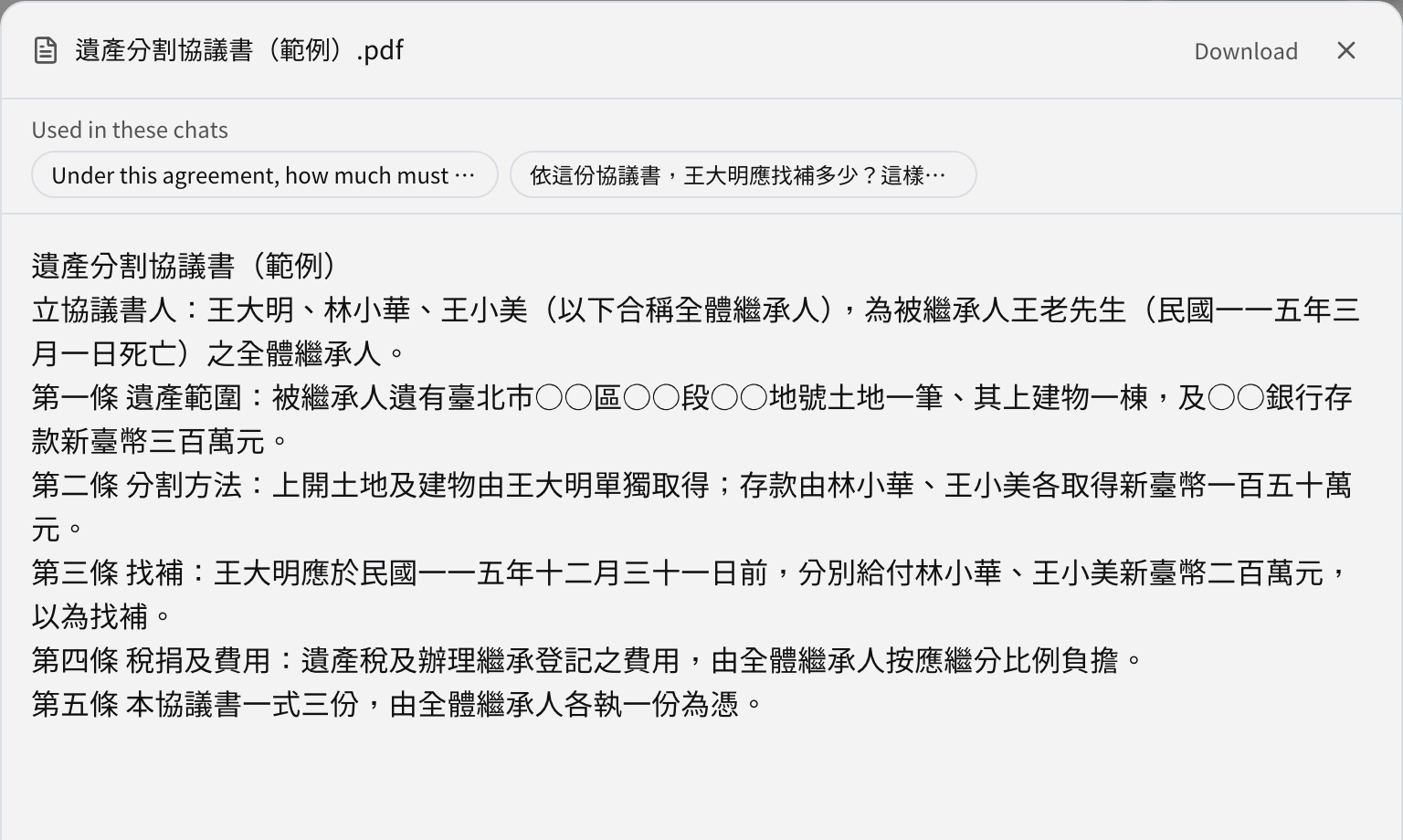
Tip: OCR of scans and images can misread. For important figures, dates and article numbers, the original file is what counts.
Word files and RegAI Editor
An uploaded .docx file can be opened in RegAI Editor with Open in RegAI Editor next to it (see Export and import Word).