
RegAI Docs › Chat
Copy, export and translate
Last updated: 2026-11-06
Below each answer are Copy, Export and Translate.

Copy
Copy copies the question, the answer and its references together, ready to paste into your own document. Everyone can use it.
Export
Export is a RegAI Pro feature.
- Click Export.
- Under Export as…, choose Markdown (.md), PDF (.pdf) or Word (.docx).
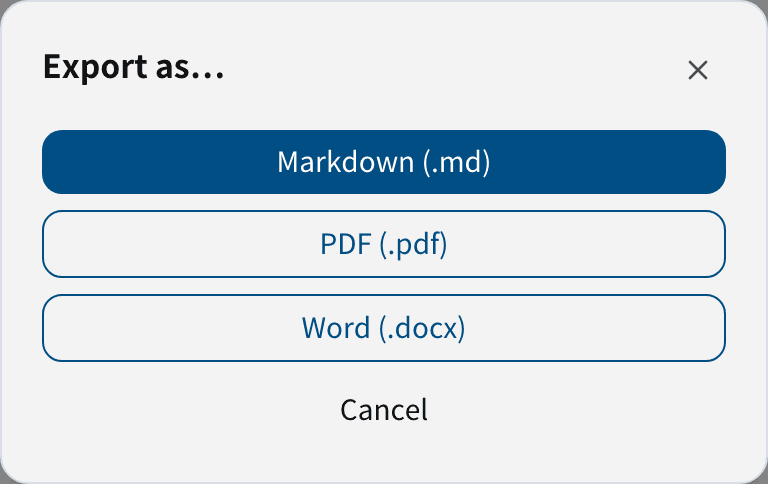
The file contains the question, the answer and the references. Articles and decisions in @DB can also be exported with Export MD and Export PDF (see @DB search of laws and decisions).
Translate
- Translate below an answer: a Chinese answer is translated into English, an English one into Chinese; the translation appears below the original.
- Translate next to a cited article: translates that article. Articles with an official English version from the Laws & Regulations Database show it directly; others are translated by AI and marked AI Translated — not from governmental resource.
Translation calls the AI, takes a few seconds to a few minutes, and counts towards your allowance (see Pricing). Translations are for reference; when citing, the Chinese original is what counts.
Was this page helpful?