
RegAI Docs › Chat
@DB search of laws and decisions
@DB searches the laws and decisions in RegAI directly, without the AI. Open it with @ DB in the question box, or the magnifier icon Search laws / court decisions at the top. No sign-in is needed.
The search and its results are on the left, the article or decision you pick on the right. The arrow at the top left closes the pane and takes you back to the chat; Clear empties the search.
Search terms are in Chinese: the laws and decisions are Taiwan's own texts.
Search laws
- Choose Laws.
- Type a law name or keywords, for example 遺產分割 (partition of an estate).
- Results come in two parts, Law names and Article content. Group by law lists the articles under their law.
- Pick an article to show it on the right.
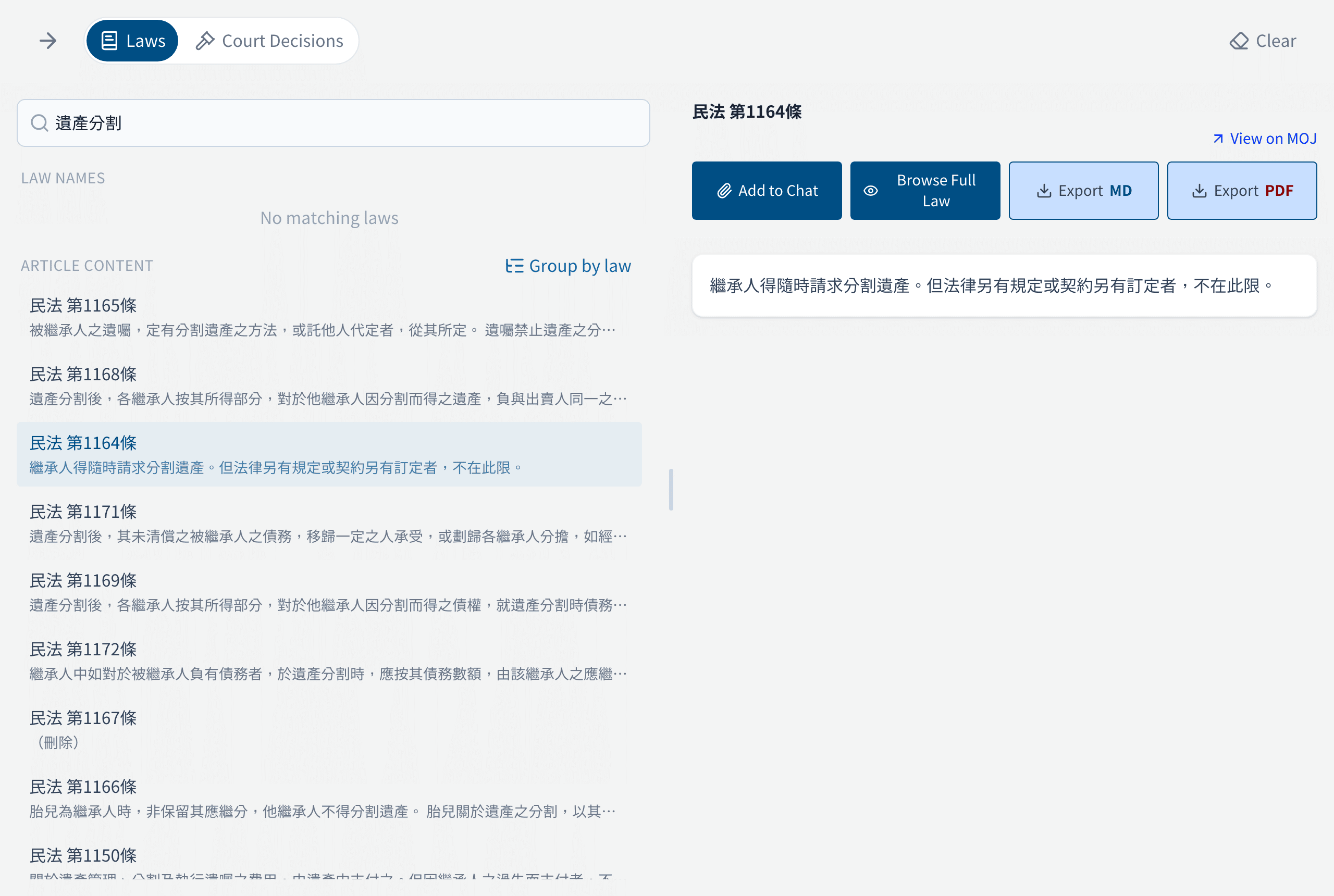
On the right you can:
- Add to Chat: add the article to the chat and ask RegAI about it (see Adding laws, decisions and documents to a chat).
- Browse Full Law: see the whole law or particular chapters, and add ticked chapters to the chat together.
- View on MOJ: check it in the official database.
- Export MD, Export PDF: RegAI Pro features.
If nothing comes up, try Try fuzzy search or other wording.
Search court decisions
- Choose Court Decisions.
- Type a case number or keywords.
- Choose a search mode:
- Relevance: finds decisions related in meaning.
- Exact phrase: finds every decision whose text contains the phrase, with the total, newest first. Join terms with
+and exclude one with-, for example 最高法院+契約承擔; a search with quotation marks switches to exact phrase by itself.
- Narrow it down if needed: source (all, judgments, constitutional review), case type (constitutional, civil, criminal, administrative, disciplinary) and decision years.
- Pick a decision to show its full text on the right.
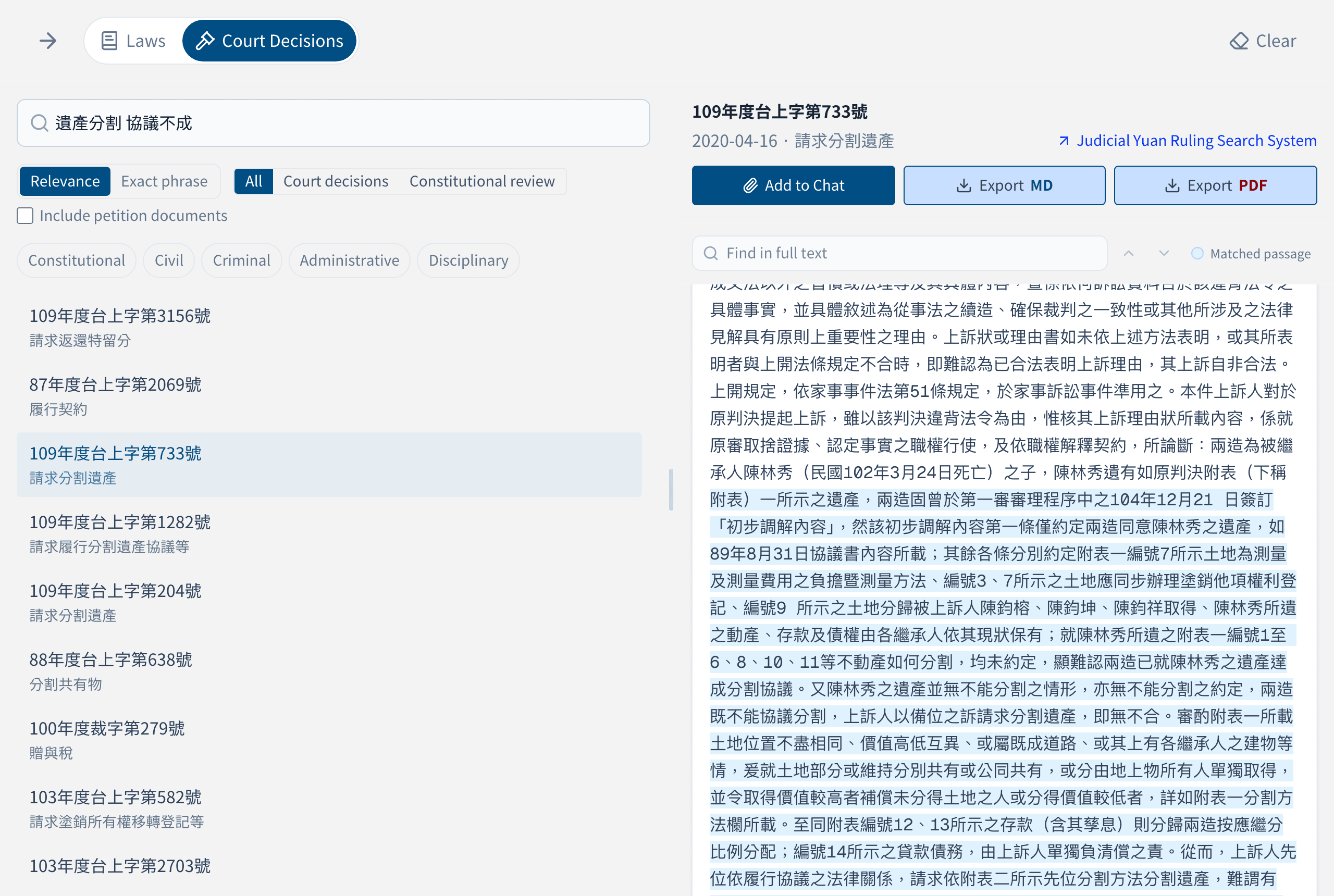
On the right you can find text in the decision, jump to the relevant passage, Add to Chat, or open it in the Judicial Yuan Ruling Search System. Export MD and Export PDF are RegAI Pro features.
Tip: @DB's decisions are those of the courts of last resort, such as the Supreme Court and the Supreme Administrative Court, plus the Interpretations of the Council of Grand Justices and the Constitutional Court's judgments. For other courts or decisions just published, use Courts.
Didn't find what you need
Below the results is Didn't find what you need? Tell us. Only the query, its scope and your note are sent, not your account; they are used to improve search.
Financial regulations
When you are signed in, @DB also has a Financial Regs tab for the Financial Supervisory Commission's regulations and rulings, each labelled with its category and status. See Financial regulations.
Usage allowance
@DB search has a usage allowance; you'll see a notice when it runs out. See Pricing.