
RegAI Docs › RegAI Editor
Versions and restoring
RegAI Pro featureLast updated: 2026-11-04
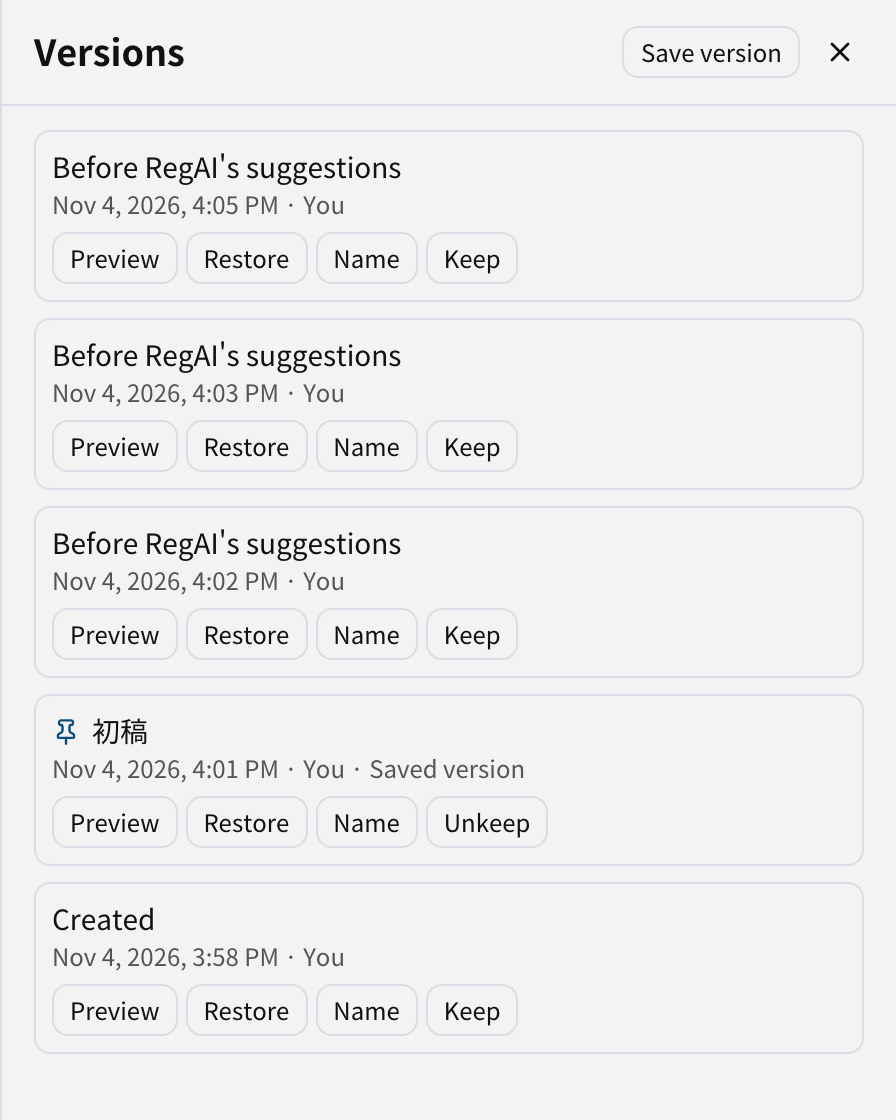
Click Versions at the top to open the list of versions.
When a version is saved
A version is saved automatically, and labelled with the reason:
- when the document is created
- before RegAI's suggestions
- after accepting or rejecting suggestions
- when you export to Word
- autosave (while you edit, at most every 10 minutes)
- before restoring a version
You can also click Save version at any time and name it, for example "First draft" or "Before filing".
Preview and restore
- Click Preview next to a version to see it.
- Click Restore and confirm.
Restoring never loses anything: the current text is saved as a version first, so you can return to it. Comments also go back to how they were in that version.
How many versions are kept
The latest 50 versions are kept, plus the last 20 exports. Named versions and versions you Keep are never removed.
Was this page helpful?