
RegAI Docs › Groups
Create a Group and invite Members
A workspace becomes a Group when you share it with its first Member.
Before you start
- You and the invitee must both be RegAI Pro members.
- Your account needs a verified email address. If you sign in with LINE only, add an email in Account settings first.
- The Default Workspace cannot be shared. Create a workspace for the matter with New workspace at the top of the sidebar, and share that one.
Send an invitation
-
Select the workspace in the sidebar's workspace list, then click the share icon at the top of the sidebar. You can also click Share on the Groups page.
-
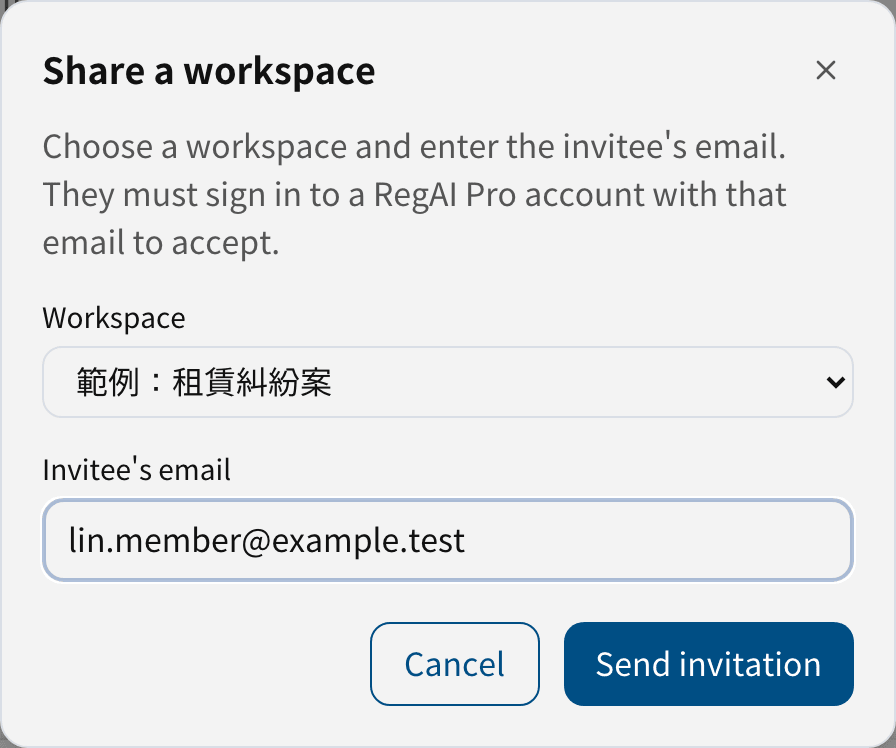
In Share a workspace, check the workspace, enter the invitee's email and click Send invitation.
-
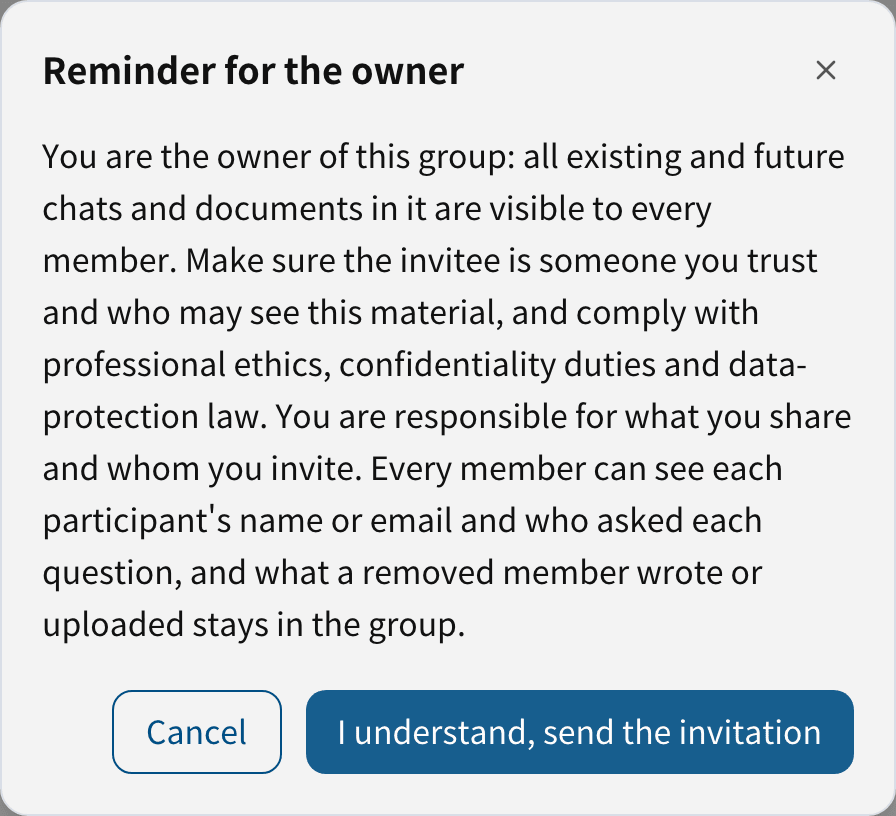
Read the Reminder for the owner, then click I understand, send the invitation.

The invitee receives an invitation email. Each invitation goes to one email address, can be used once, and expires after 7 days. To invite several people, send one invitation each.
Tip: once an invitation is sent, the workspace shows a two-person icon in the sidebar, with the number of Members next to it.
See or withdraw invitations
On the Groups page, click the Group's name. Invitations not yet accepted are listed under Pending invitations, with the date they expire. Click Withdraw to cancel one; its link stops working at once.
Accept an invitation (invitee)
- Open the link in the invitation email.
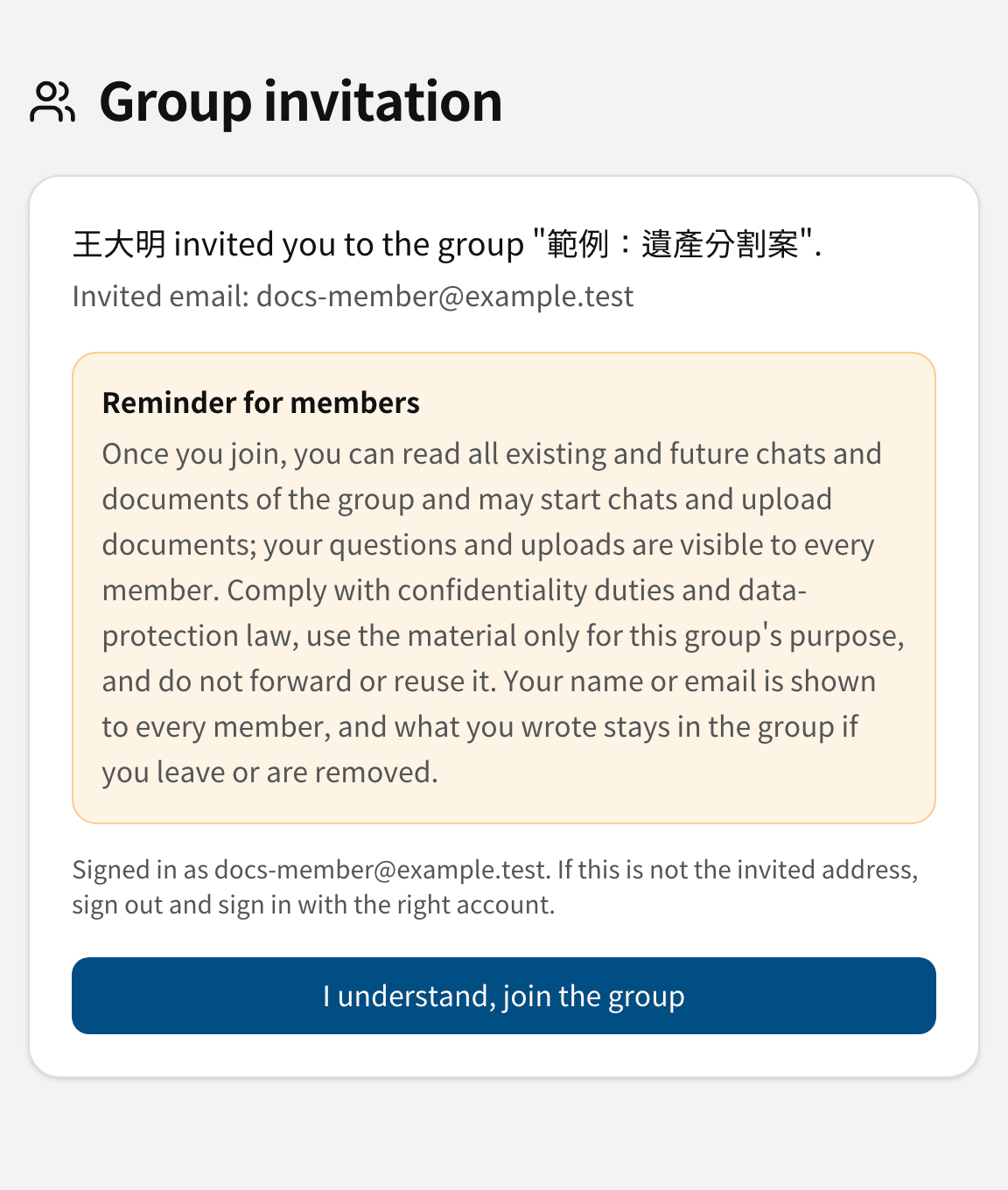
- Sign in with the invited email address. If you are signed in with another account, sign out first and sign in with the invited address.
- Read the Reminder for members, then click I understand, join the group.
Once you join, the workspace appears in your sidebar under Shared with me.
Limits
- A Group has at most 20 Members, counting invitations not yet accepted.
- An Owner can send at most 20 invitations a day.
- Invitations expire after 7 days. After that, ask the Owner to send a new one.