
RegAI Docs › Workspaces and documents
Chat with your documents
RegAI Pro featureLast updated: 2026-11-06
Add a document to your question and RegAI answers from its content, and can search laws and decisions at the same time, for example to check whether a term in the document is valid. This is a RegAI Pro feature.
Ask about a document
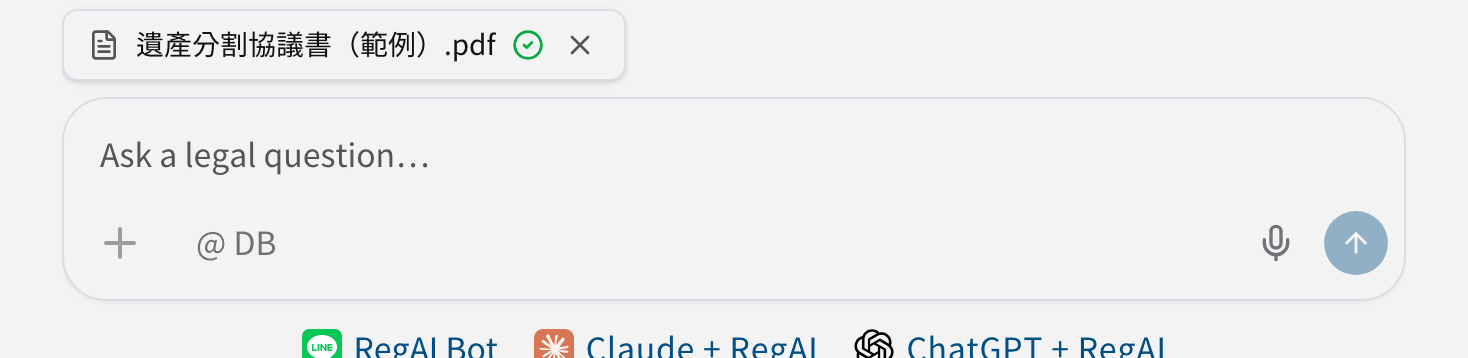
- Upload it from the question box (it's added to the question automatically), or click the Attach to query icon next to it under Documents in the sidebar.
- The documents added show above the question box.
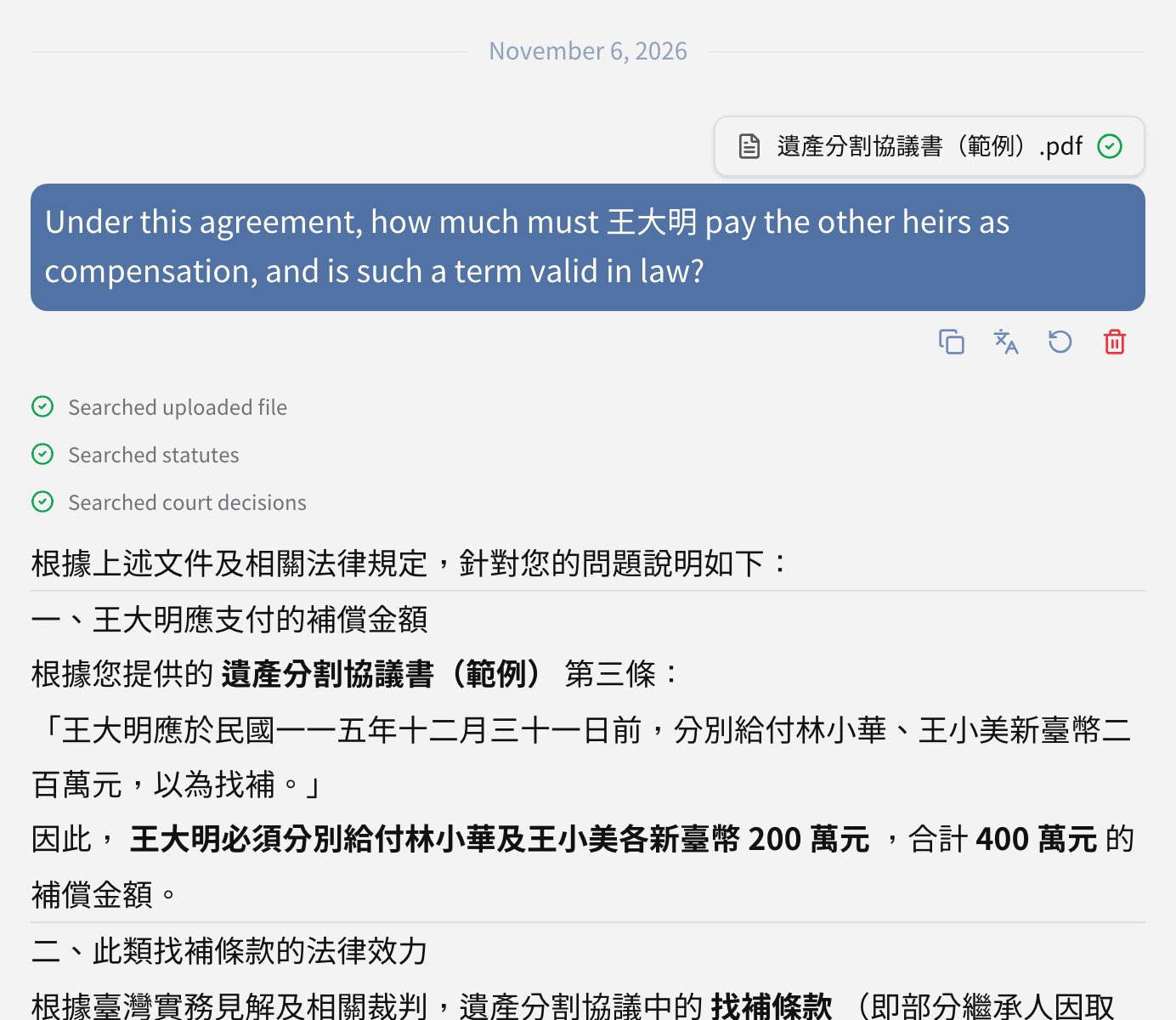
- Type your question and send it, for example "Under this agreement, how much must 王大明 pay the other heirs as compensation, and is such a term valid in law?".
RegAI searches the document first, then laws and decisions where needed, and quotes the document in its answer. With a Chinese document, the answer may come in Chinese; ask for English if you need it.
Which documents are read
- RegAI reads only the documents added to this question, not other documents in the workspace, nor those of other workspaces.
- Remove one with the × next to it, or the Detach from query icon ; removing never deletes the document.
- You can add several documents to one chat and compare them.
RegAI Editor documents
RegAI Editor documents are listed under Documents too, and can be added to a question in the same way. RegAI reads the document as it is at that moment.
Asking well
- Say which part to look at: "the compensation term in Article 3", "the defendant's second point".
- Ask RegAI to quote the text: "quote the agreement's clauses".
- Ask for laws and decisions directly: "Is it valid under the Civil Code? Cite Supreme Court decisions".
Was this page helpful?