
RegAI Docs › Chat
Voice input
Sign-in requiredLast updated: 2026-11-06
Signed in, you can speak your question instead of typing it, on any plan.
Record and send
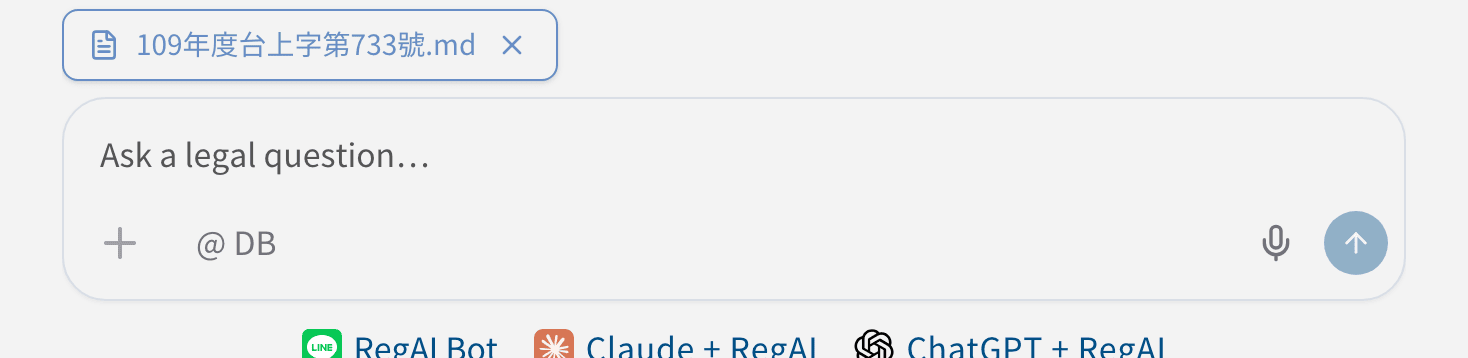
- Click the microphone Voice input at the bottom right of the question box. The first time, the browser asks whether to allow the microphone; allow it.
- Start speaking. The screen shows Recording… tap to stop and the seconds recorded.
- When you're done, click again to stop. RegAI turns the recording into text and puts it in the question box.
- Check or edit the text, then send it.
- A recording can be up to 60 seconds; it stops by itself at the limit, and anything after that is not captured.
- If no voice is heard for about 20 seconds, you're asked whether to keep waiting.
Your recording
The recording is sent to a speech-recognition service to be turned into text; it is not stored. See the Privacy Policy for details.
If it doesn't work
- Microphone permission denied: allow the microphone in the browser's site settings, then reload the page.
- The browser doesn't support voice input: open the page in Safari or Chrome.
Was this page helpful?