
RegAI Docs › Chat
Chat history
Sign-in requiredLast updated: 2026-11-06
Once you sign in, your chats are saved to your account, kept apart by workspace. Signed out, a chat is kept only in the current browser tab and is gone when you close or reload it.
How long chats are kept
- Free: 30 days.
- RegAI Pro: indefinitely, until you delete them. When RegAI Pro ends, chats are kept for another 30 days, then the Free rule applies (see Retention and deletion).
Find a chat
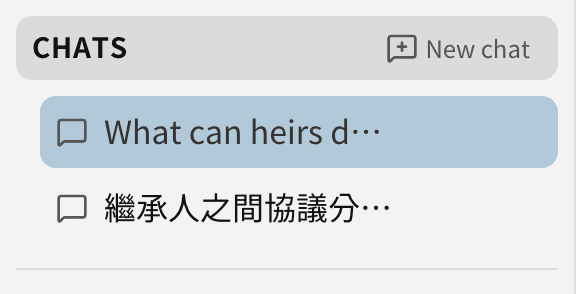
Chats in the workspace sidebar lists all chats in that workspace, newest first. Click one to go back to it and carry on.
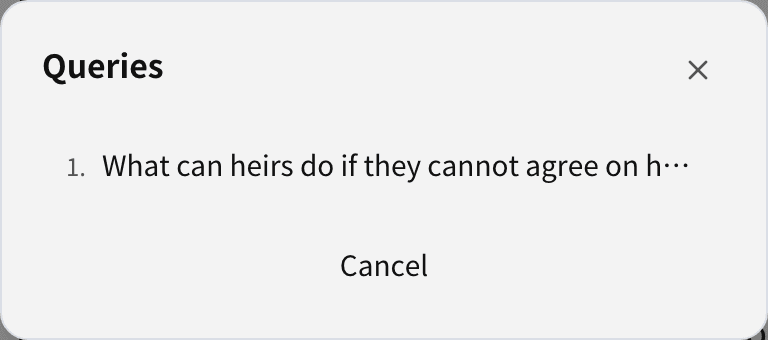
The Queries icon at the top lists every question in the current chat; click one to jump to it.
Rename, move and delete
Hover over a chat under Chats to:
- Rename it;
- Move it (with the documents it uses) to another workspace;
- Delete it, which can't be undone.
In a Group workspace, Members can rename only chats they started; moving and deleting are for the Owner.
Was this page helpful?