
RegAI Docs › Groups
Groups
A Group is a workspace you share with other RegAI Pro members. It suits a matter handled by several lawyers or assistants: everyone asks questions and uploads documents in the same workspace and sees each other's chats and documents.
Who can use Groups
- Owner: the person who shares the workspace. The workspace and its chats and documents belong to the Owner's account.
- Member: someone who was invited and accepted.
The Owner and every Member must be paying RegAI Pro members, with a verified email address on their account. MCP Pro is not included. See Pricing for the plans.
Where to find Groups
-
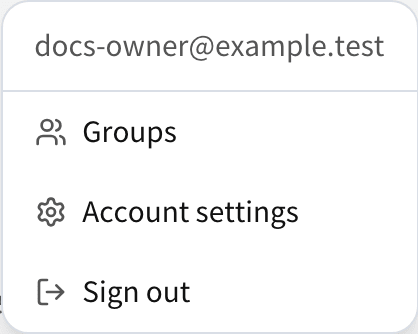
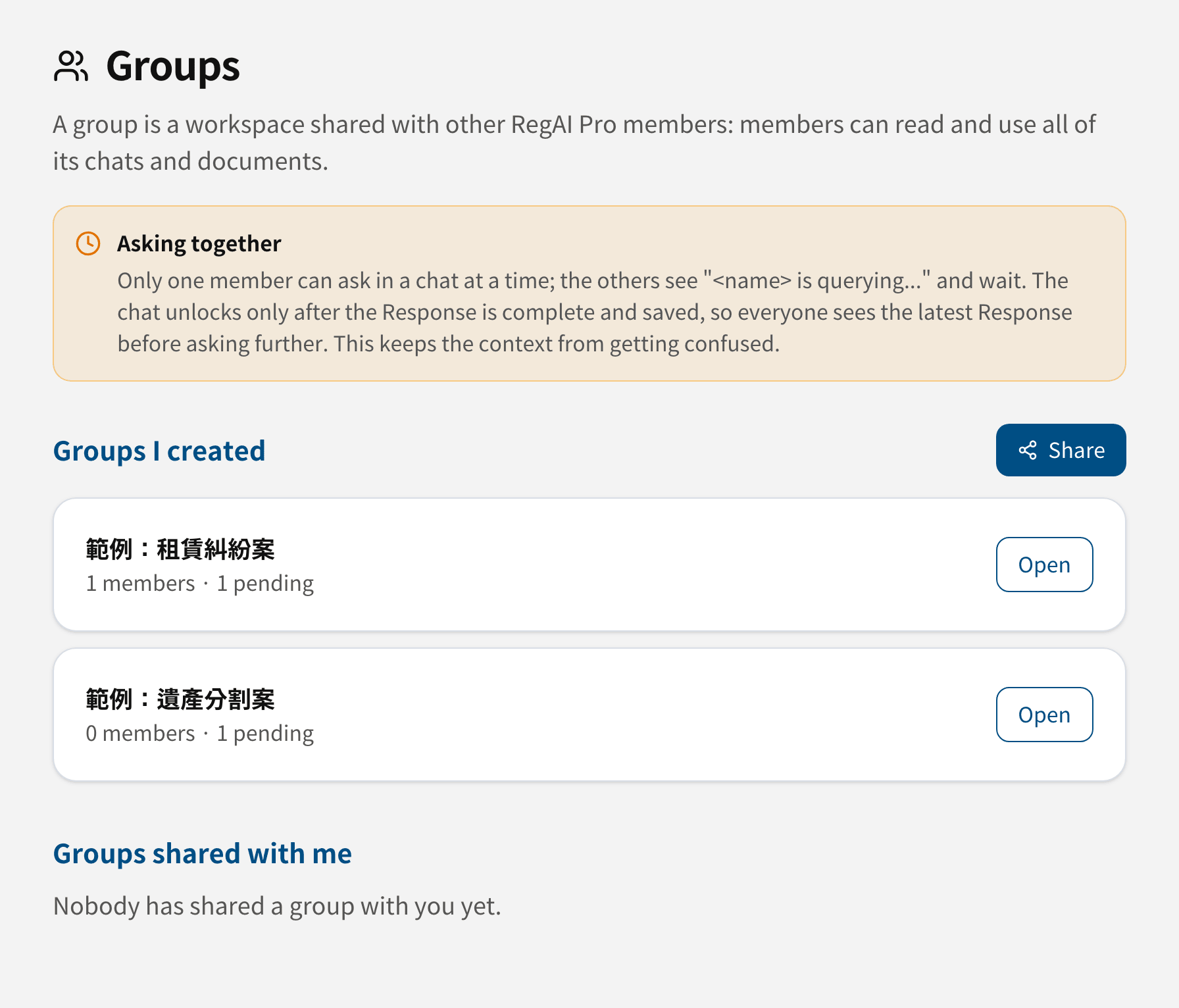
Groups in the account menu at the top right opens the Groups page. There you share workspaces, invite Members, and see the members and the activity log.
-
The workspace sidebar: shared workspaces have a two-person icon . Workspaces others share with you are listed under Shared with me.
Who can do what
| Owner | Member | |
|---|---|---|
| See every chat and document | ✓ | ✓ |
| Ask questions, start new chats | ✓ | ✓ |
| Upload documents, export | ✓ | ✓ |
| Create and edit RegAI Editor documents | ✓ | ✓ |
| Rename chats | ✓ | Chats they started |
| Delete or move chats and documents | ✓ | — |
| Invite or remove Members | ✓ | — |
| Rename or delete the workspace | ✓ | — |
| Leave the Group | — | ✓ |
Caution: everything in a Group, including who asked each question, is visible to every Member. Invite only people you trust and who may see this material.
In this section
- Create a Group and invite Members
- Work together in a Group
- Remove Members, leave, delete
- When RegAI Pro ends
The full rules for Groups are in Section 4 of the Terms and Conditions and in the Privacy Policy.